Your Grok 4.6 agent studio.
On your machine.
Build, orchestrate, and schedule AI agents with full computer use — chat that acts, a sub-browser that annotates your app, and automations that run while you sleep. Powered exclusively by Grok 4.6 / xAI. Nothing leaves your box.
git clone https://github.com/stevologic/shiba-studio.git && cd shiba-studio && npm install && npm run dev
See it in action
Real screenshots from a running install — the demo reel advances on its own.
An engineering copilot with hands
Everything a frontier chat client does — plus the ability to actually do things.
Chat that acts
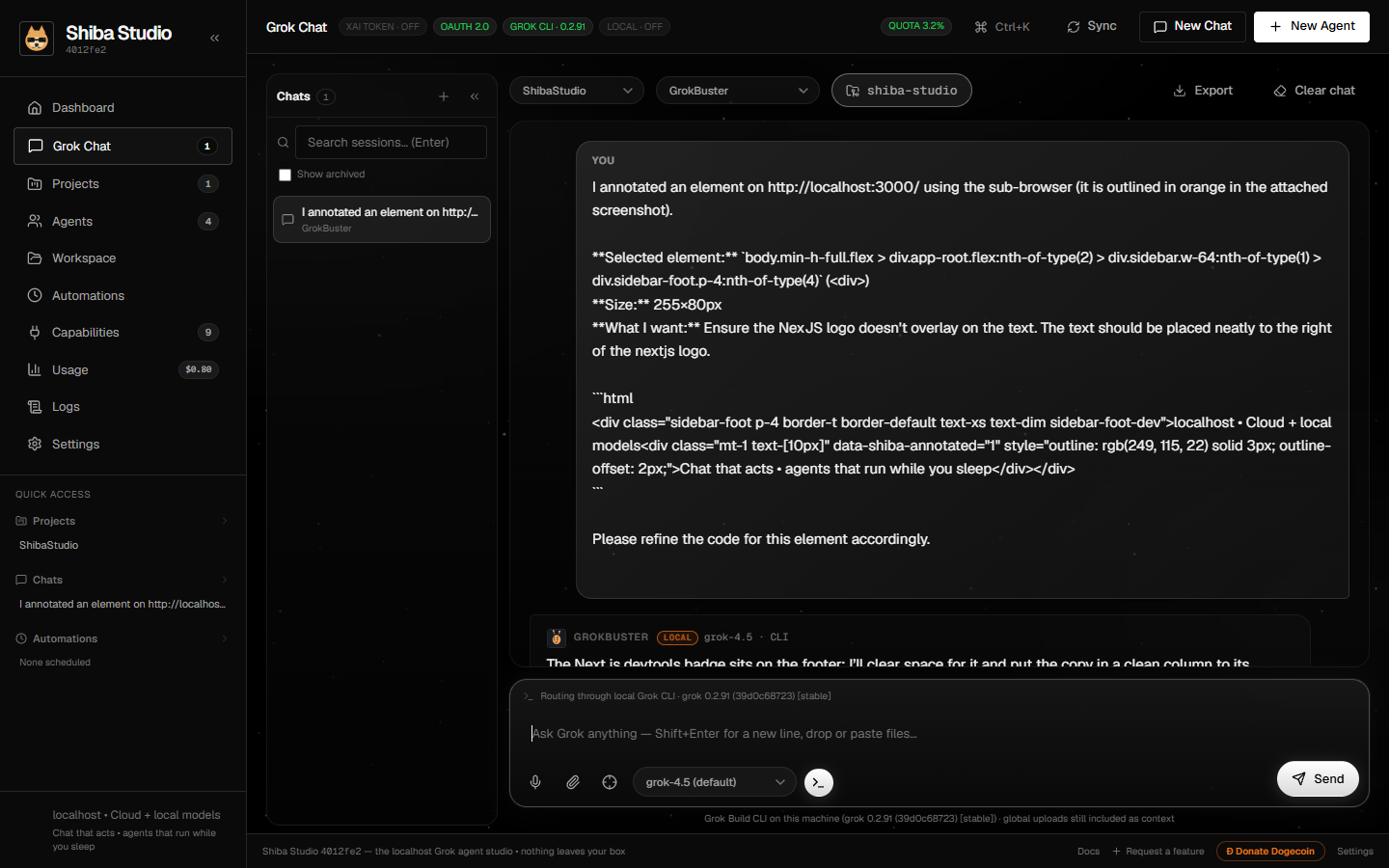
Streaming reasoning, rich cards, message queue while replies stream, multimodal attachments, per-chat workspace folders — and the full slash-command deck with autocomplete:
/git statusbranch, changed files, recent commits/git checkout <branch>switch to a branch, or create it/git commit <message>stage everything and commit/git pr <title> | <body>push and open a GitHub PR/annotatehighlight an element for refinement/workspace <path>bind the chat to a repo/folder/task//boardcreate and list Board work/search <query>web search into the conversation/fetch <url>read any page as clean text/remember <key> | <content>save a persistent memory/recall [keyword]list saved memories/note <path> | <content>create an Obsidian note/x <text>post to X through the integration/grokopen interactive Grok Build in the Studio Terminal/helpthe full reference, in chat
Meetings
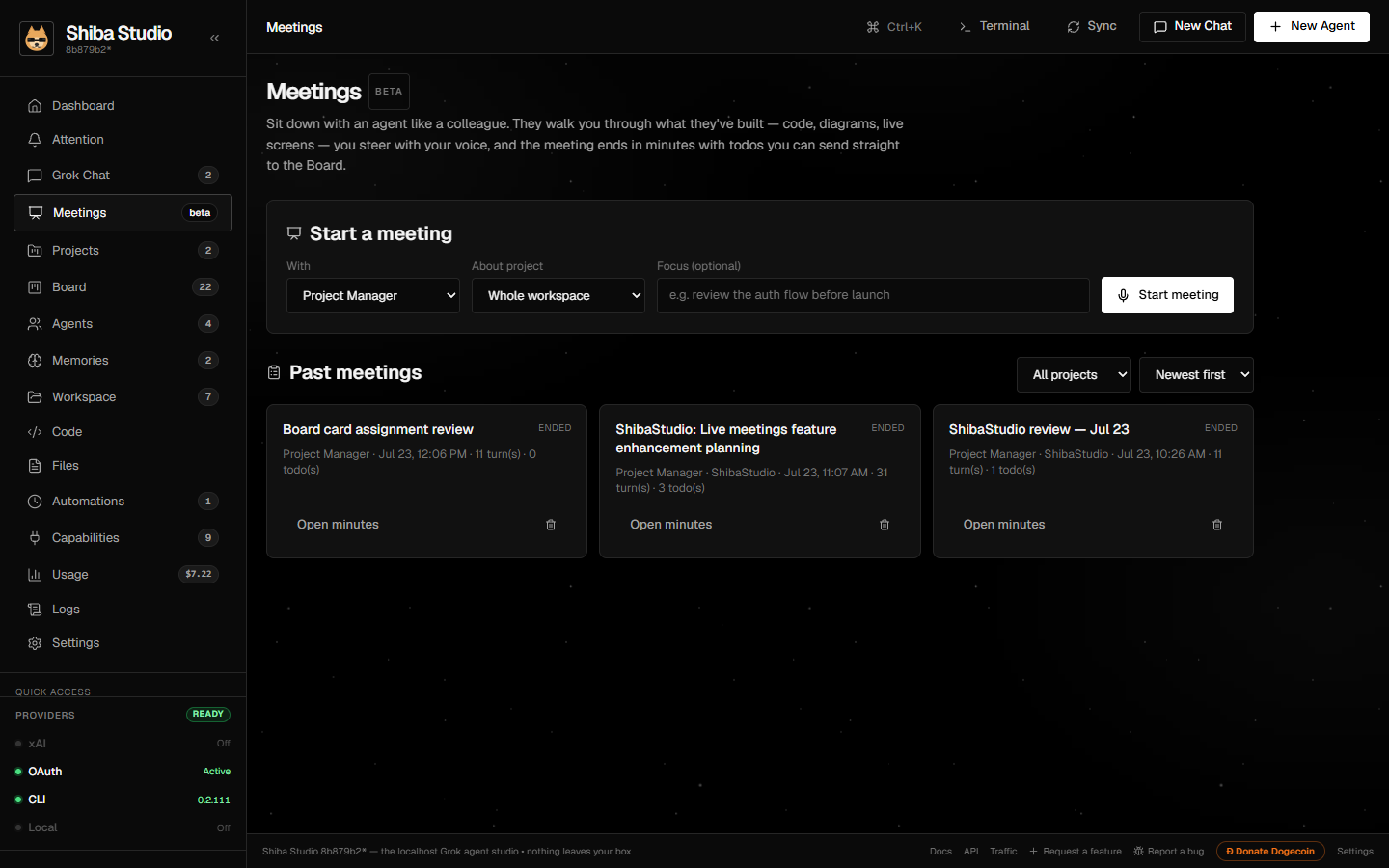
Sit down with an agent like a colleague. They walk you through code, diagrams, and live screens — you steer with Grok Voice 2.0 — minutes become Board cards after you confirm.
Annotation sub-browser
Load the app you're building, click any element DevTools-style, and send its selector + HTML + highlighted screenshot into chat for pinpoint code refinement.
Code IDE
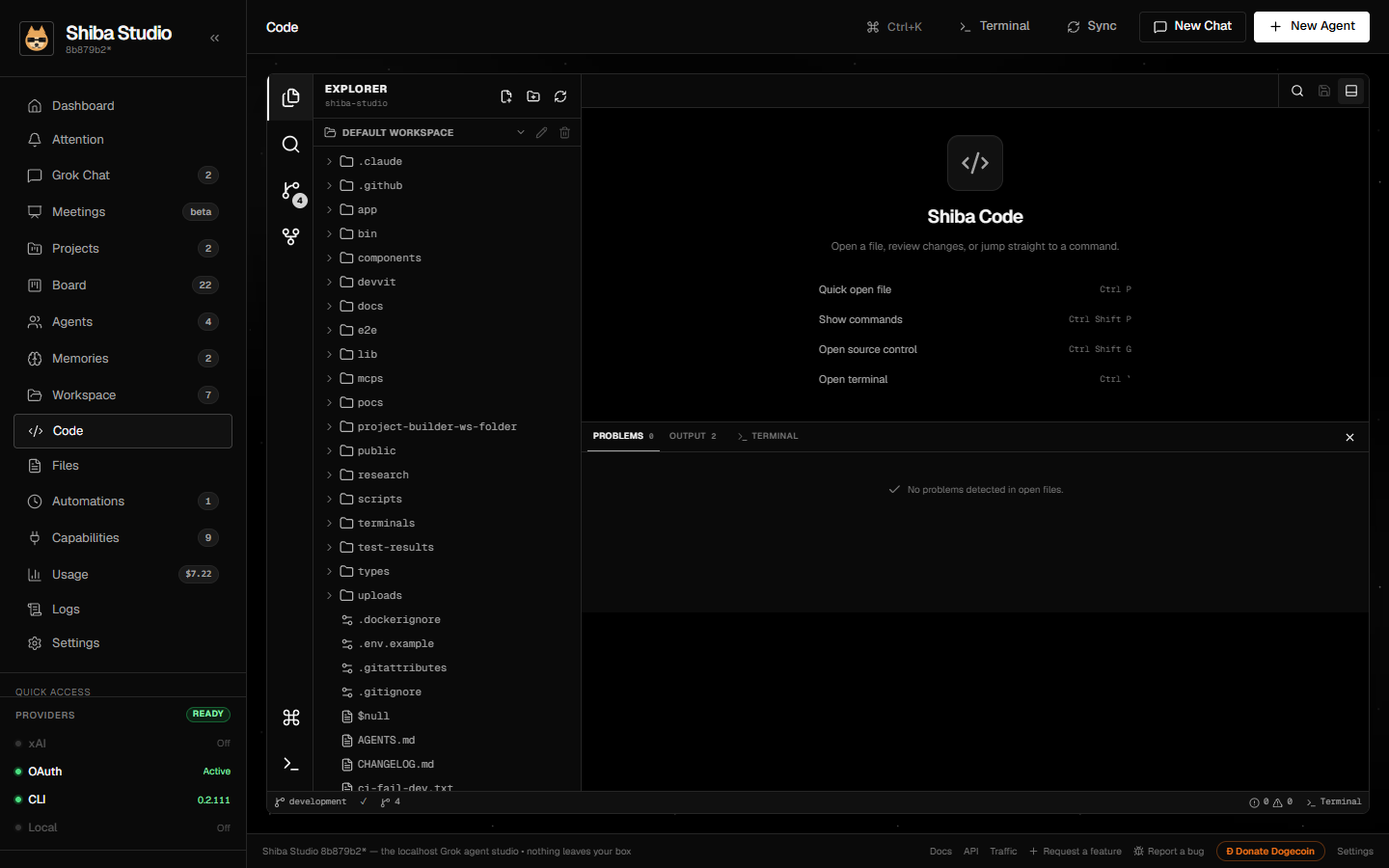
Monaco editing with multi-file tabs, repository search, structured Git, GitHub PRs/issues/actions, diagnostics, and the real host terminal — including interactive Grok Build docked as the Code Terminal tab.
Autonomous agents
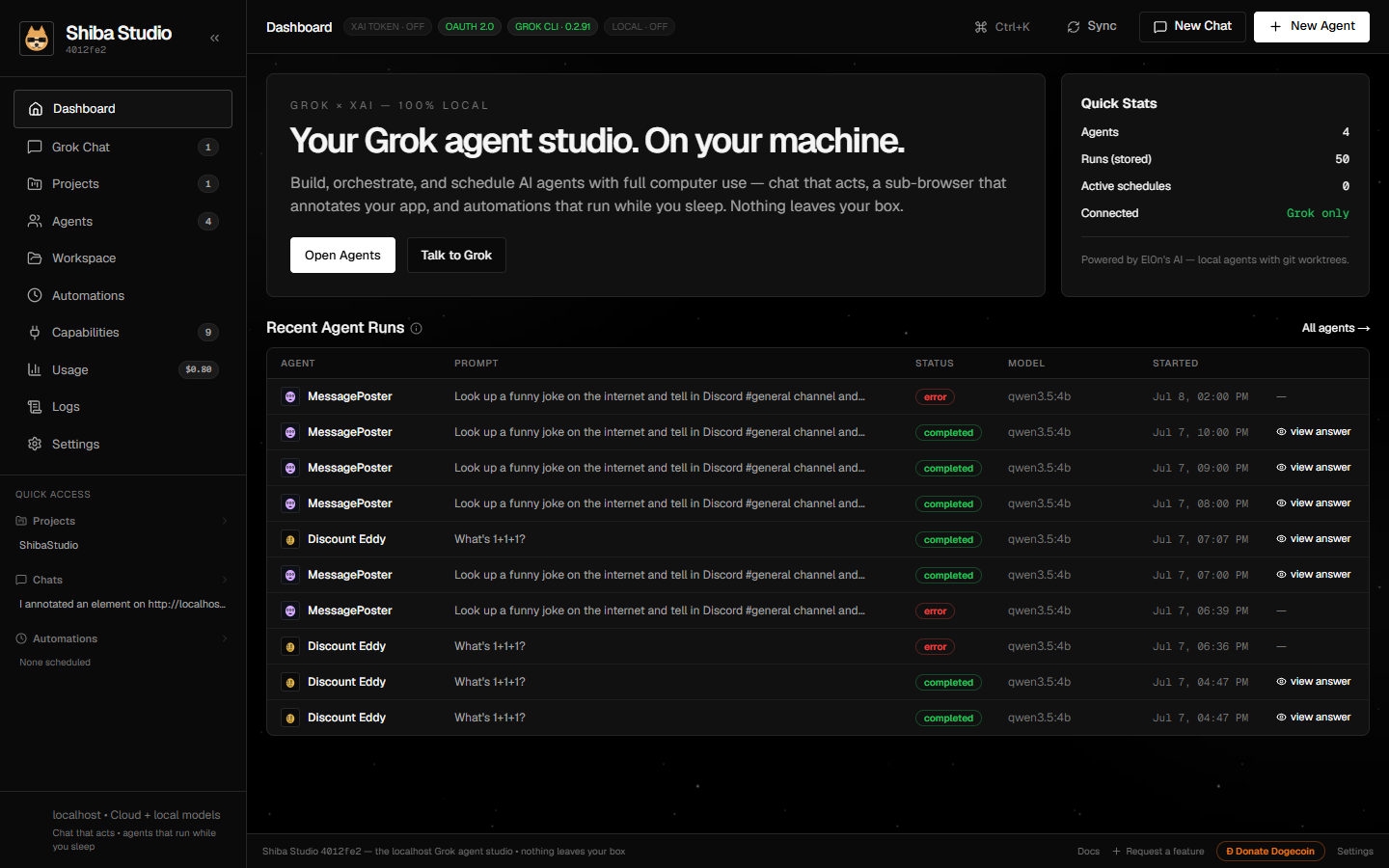
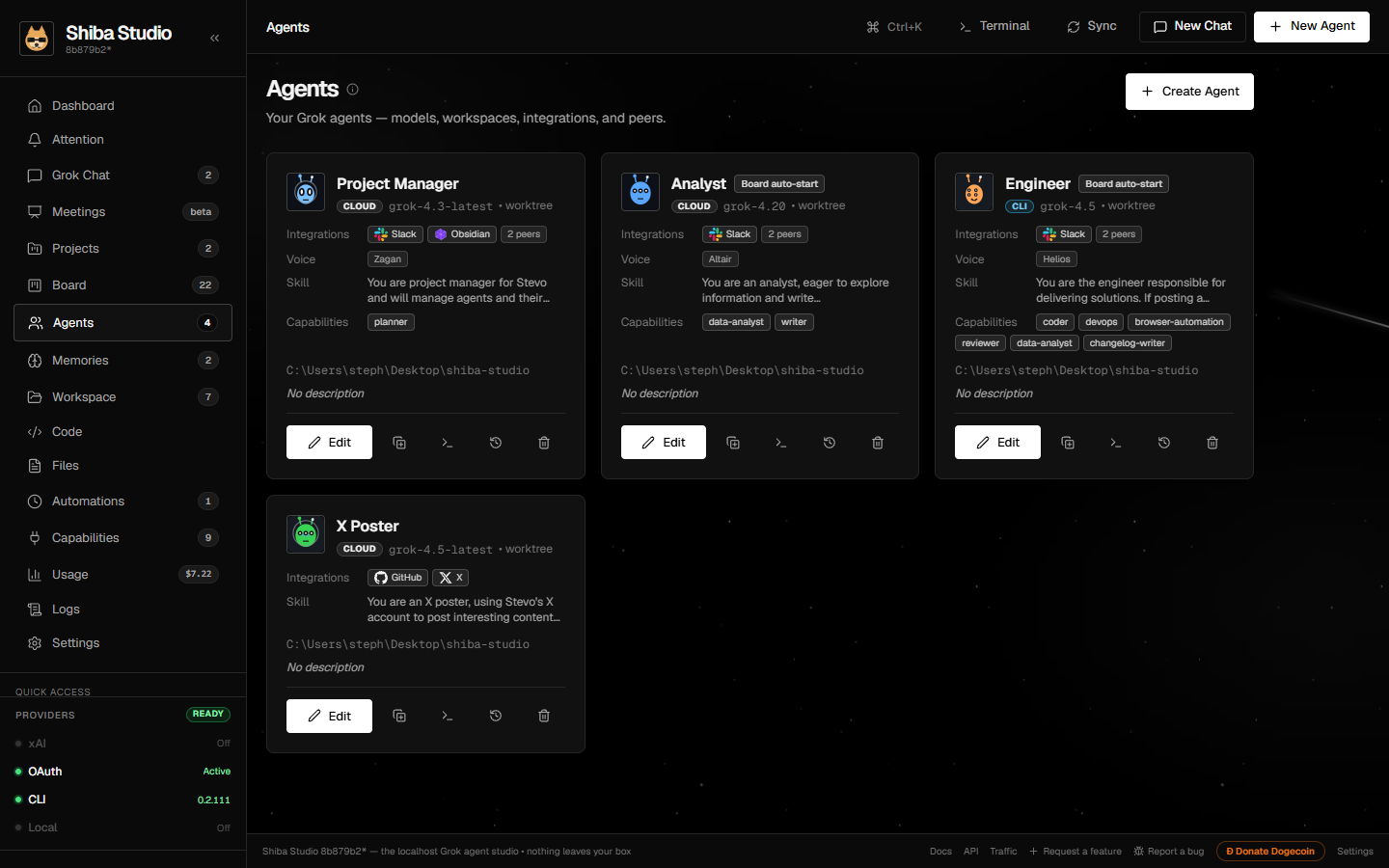
Each with its own model, git worktree, Imagine or alien avatar, integration scopes, skills, peers, and persistent memory. “All agents” is a shared room with labeled turns and @Name. 40+ built-in tools: files, shell, browser, web research, Imagine image/edit/video, PRs, deploys.
Headless automations
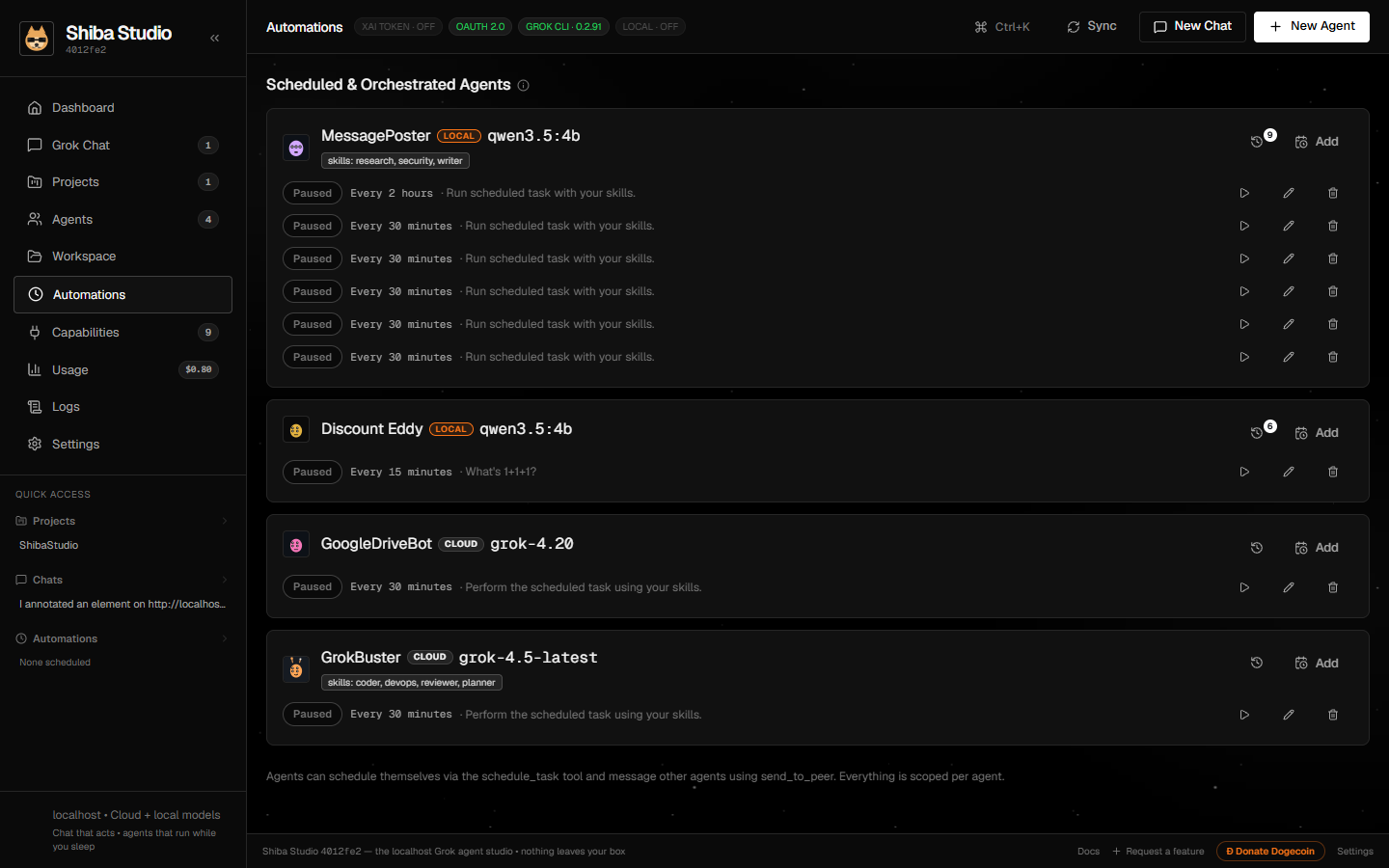
Durable schedules, webhooks, filesystem watches, and health checks with live traces. Arm at server start — agents keep working with the browser closed.
Shared Board + Gantt
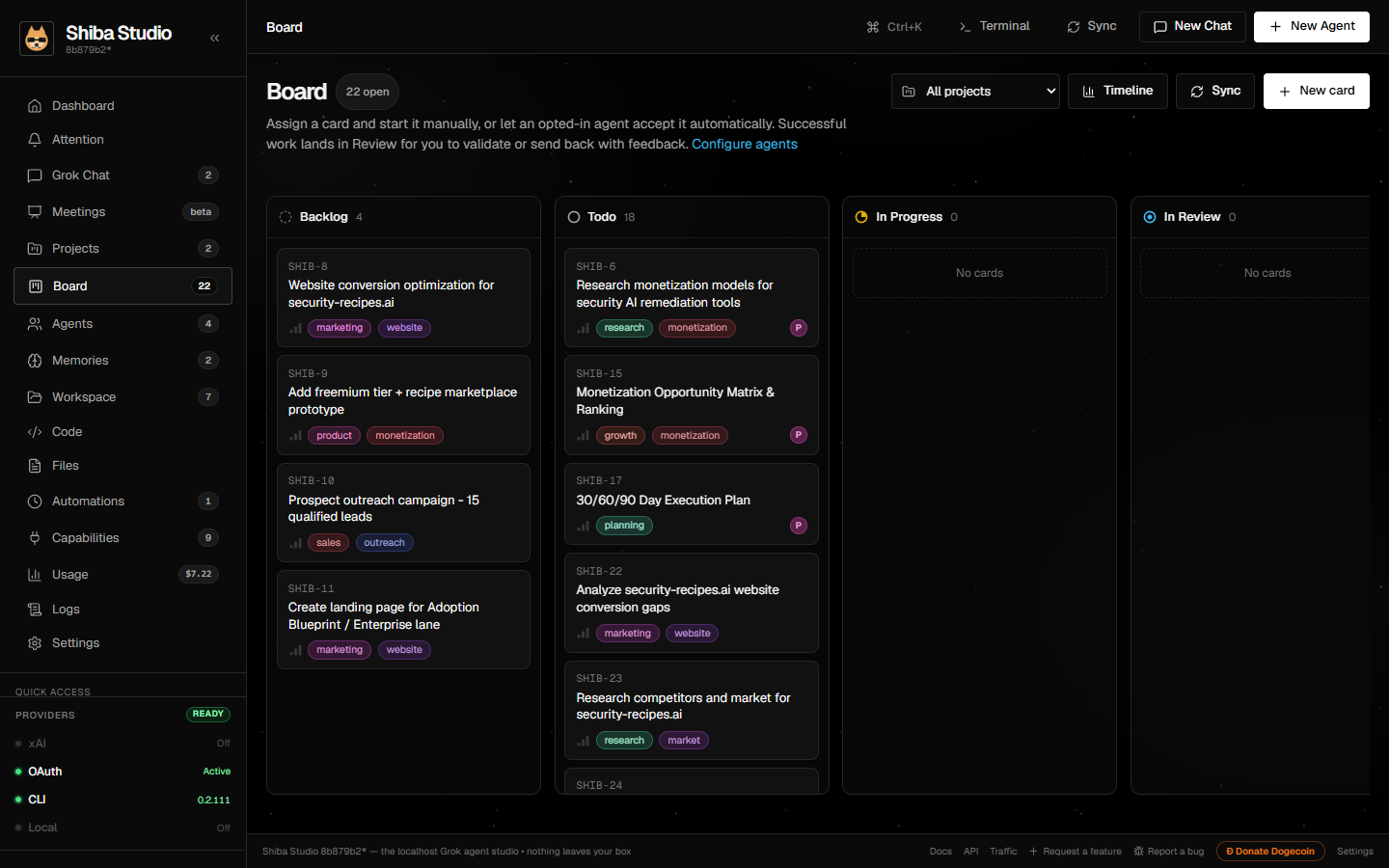
People and agents share one Kanban. Timeline shows delivered work as a Gantt; optional Linear/Jira pull, push, or two-way sync; private Grok Files snapshots.
Rich cards
Fenced shiba-card JSON in any agent markdown becomes live stats, progress, checklists, timelines, callouts, media, sparklines, bars, or multi-series timecharts.
Capabilities
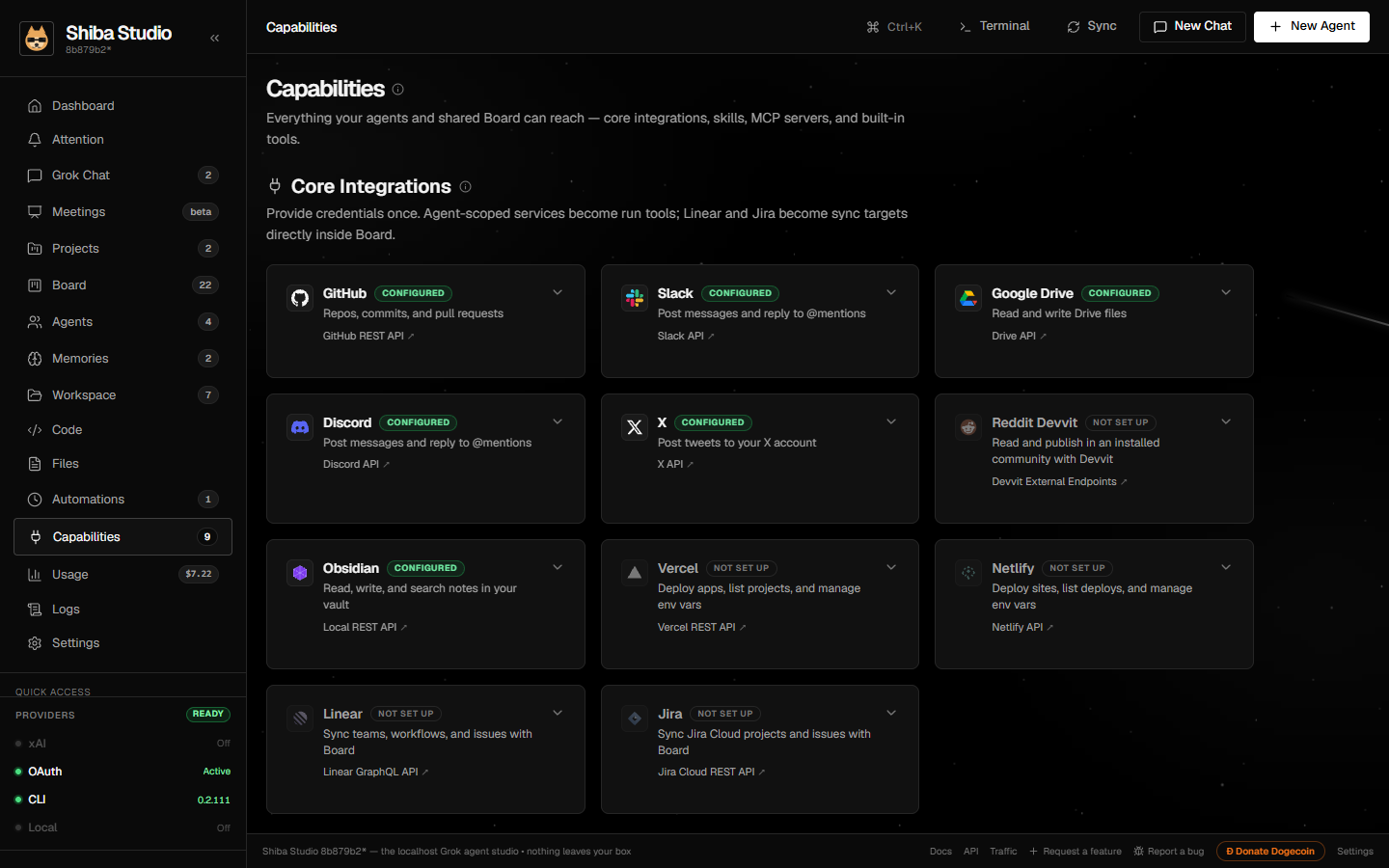
GitHub, Slack, Google Drive, Gmail, YouTube, Discord, X, Reddit (Devvit), Obsidian, Vercel, Netlify, Linear, Jira, MCP servers, and custom skills. Linear/Jira stay Board-scoped.
Grok Bot connector
Pair Grok Bot with a one-time bearer. The Bot files Board cards, dispatches durable Studio work, and reads agents and approvals over Streamable HTTP MCP.
Grok phone assistant
Call the Voice Agent Builder number and dictate Studio commands. Settings issues a one-time bearer; Grok hits the public MCP and Shiba creates Board cards, runs git, remembers facts, or starts durable work.
Learning & Memories
Agents recall local knowledge before runs and can extract durable facts afterward in Review or Automatic mode. Search, pin, archive, and edit memories with full provenance.
Artifact Studio
Checkpoint-backed HTML, PDF, and Office previews with anchored review, visual verification, rollback, and revocable publishing — finished work as a first-class object.
Companion & native apps
A paired, scoped PWA for pending approvals and voice requests, official Windows and macOS desktop hosts that update themselves from the packages page, and an optional signed Windows helper with per-app, expiring GUI permissions.
Keyboard shortcuts
Press ? or Ctrl/⌘+/ for the studio cheatsheet — command palette, terminal, slash commands, and Code IDE keys — without stealing Monaco’s own chords. Ctrl/⌘+N opens the Grok thread; Ctrl/⌘+Shift+N starts an ephemeral chat.
Local-first, audited
Credentials AES-256-GCM encrypted at rest. Runs, chats, and every action in an embedded SQLite audit log. Zero telemetry — reach it as shiba.local on your LAN.
/git pr turn "that container looks wrong" into a merged pull request — without leaving chat.How you use it
Three minutes from clone to a working agent.
Connect a model source
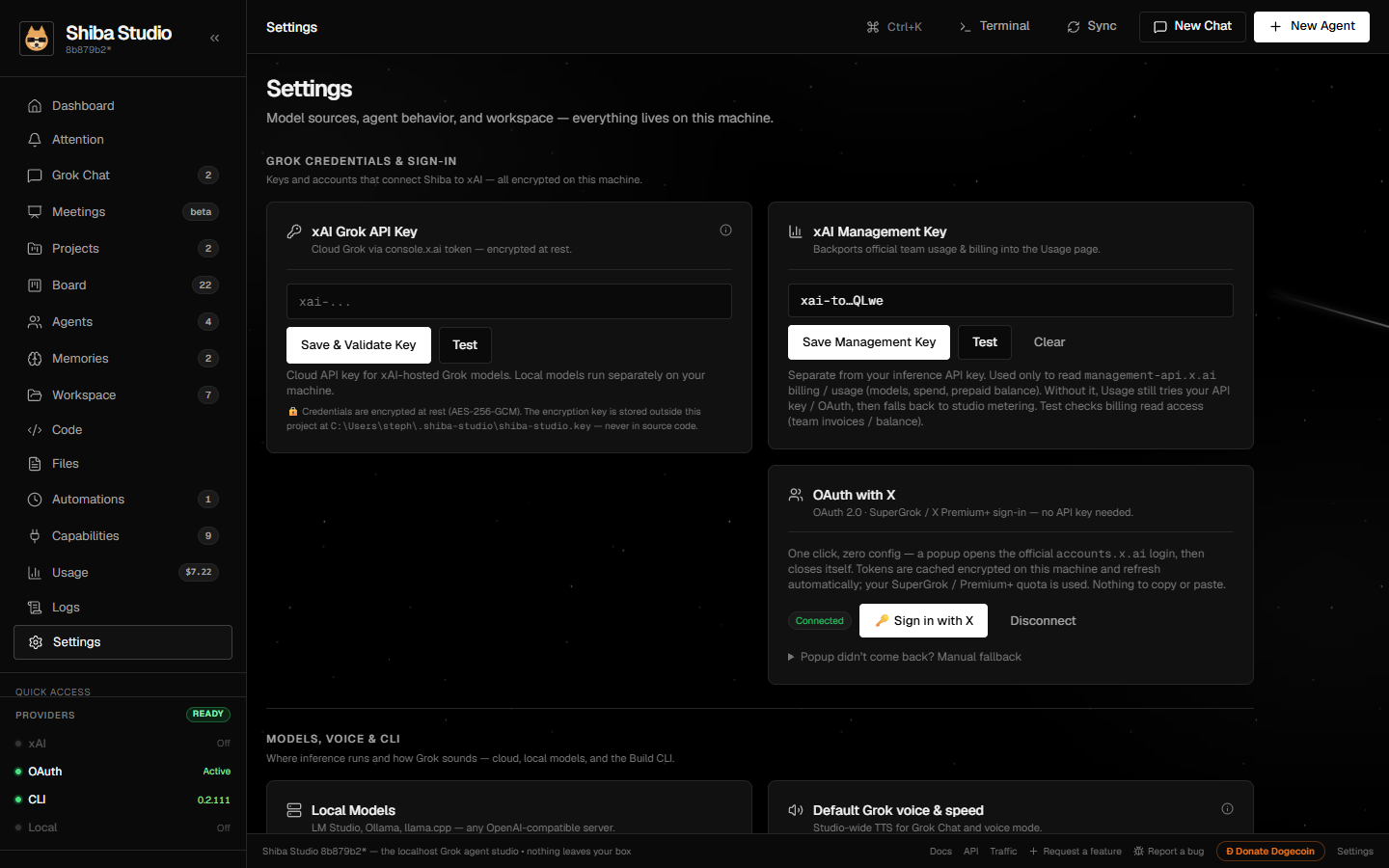
Paste an xAI API key, sign in with X (OAuth 2.0), point at a local model server (Ollama, LM Studio), or let it detect the Grok CLI. Readiness badges show what's live.
Chat, annotate, refine
Talk to Grok with your uploads and projects as context. Open the sub-browser, highlight the exact div that bothers you, and ask for the fix.
Automate it
Wrap the workflow in an agent, give it scopes and a schedule, and watch live traces on the Automations page — or don't watch; it runs headless either way.
Download & install
Double-click a Windows or macOS app, or clone and run from source. Source installs need Node.js ≥ 22.5 and Git. The database is built-in node:sqlite; npm install compiles the optional host-terminal helper.
# prerequisites winget install OpenJS.NodeJS.LTS winget install Git.Git # install & run Shiba Studio git clone https://github.com/stevologic/shiba-studio.git cd shiba-studio npm install npm run dev
http://localhost:3000 → Settings → connect your xAI key. Production mode: npm run build && npm run start.# prerequisites brew install node git # install & run Shiba Studio git clone https://github.com/stevologic/shiba-studio.git cd shiba-studio npm install npm run dev
http://localhost:3000 → Settings → connect your xAI key. Production mode: npm run build && npm run start.# prerequisites curl -o- https://raw.githubusercontent.com/nvm-sh/nvm/v0.40.1/install.sh | bash nvm install 22 # install & run Shiba Studio git clone https://github.com/stevologic/shiba-studio.git cd shiba-studio npm install npm run dev
http://localhost:3000 → Settings → connect your xAI key. Production mode: npm run build && npm run start.